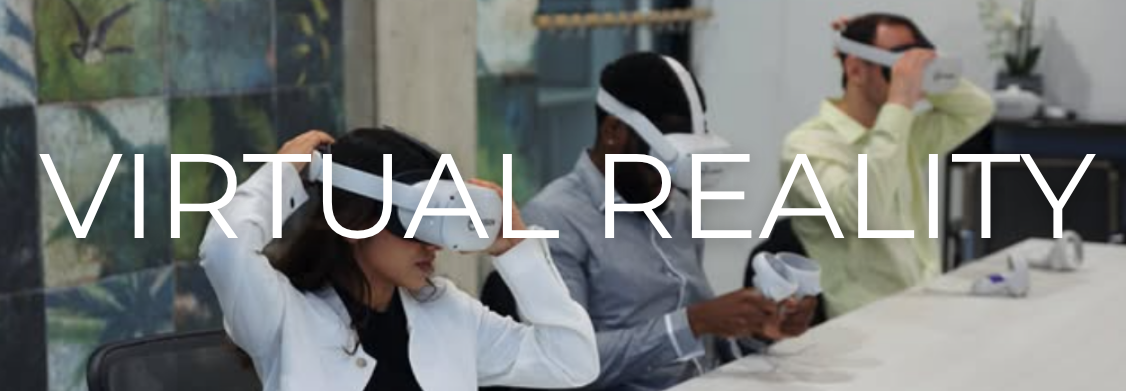

Virtual Reality Guide Prep List, Safety, Best Time To Visit, Locations, Cost, & More
Virtual reality appeals to people who enjoy immersive technology, interactive gaming, and experiences that transport them beyond physical limitations. If you like exploring new worlds, engaging with cutting edge innovation, and feeling fully present in digital environments, virtual reality often feels transformative rather than gimmicky. It is especially appealing to people who appreciate gaming, simulation experiences, creative applications, and the intersection of technology and entertainment.
The purpose of virtual reality is to immerse users in fully interactive digital environments that engage sight, sound, and motion. Participants use a VR headset and motion controllers to navigate virtual spaces, play games, exercise, create art, or experience simulations. The technology offers entertainment, education, and practical applications that extend far beyond traditional screen-based media. Following a comprehensive virtual reality guide ensures you set up your room boundary, select ergonomic accessories, and avoid motion discomfort while exploring 3D spaces.
Why Using a Virtual Reality Guide Enhances Your Immersive Setup
Stepping into 3D digital environments requires proper spatial preparation, device calibration, and hardware maintenance. Consulting a structured virtual reality guide helps beginners and veteran gamers select compatible equipment, maintain proper hygiene, and optimize room-scale tracking.
Key Benefits of Exploring Virtual Reality
Diving into VR delivers active physical gameplay and unprecedented digital immersion. Here are the primary benefits highlighted in our virtual reality guide:
- Immersive Interactive Gaming: Places you directly inside digital environments rather than watching action on a flat monitor.
- Active Fitness and Cardio: Transforms workout routines into engaging active play using movement-heavy VR games and fitness apps.
- Virtual Travel and Education: Offers virtual tours of historic landmarks, space simulations, and interactive educational models.
- Creative Expression: Enables 3D painting, sculpting, architectural modeling, and music production in virtual workspaces.
- Social Multiplayer Connectivity: Connects friends and family in shared virtual rooms, multiplayer arenas, and interactive events.
Is Virtual Reality Gaming Right for You?
While following a virtual reality guide makes system setup straightforward, considering your personal comfort is key. This experience may not be ideal if you are prone to motion sickness, dislike wearing facial hardware for extended periods, or prefer traditional desktop console gaming. However, adjusting in-game comfort settings—such as teleportation movement, vignette turning, and higher refresh rates—helps most users enjoy comfortable sessions.
Essential Gear, Hardware Setup, and Prep List
Preparing your play space and equipping your VR rig with comfortable headstraps and reliable audio on your prep list ensures seamless play sessions. Here is the recommended equipment breakdown from our virtual reality guide:
Must-Have Supplies and Gear on Your Prep List
Adding these essential hardware components to your setup improves comfort and device performance:
Selecting a high-resolution VR headset provides crisp visual clarity and comfortable weight distribution. Building a diverse collection of engaging VR games keeps your gaming sessions varied across puzzle, action, and rhythm genres. Plugging in over-ear immersive headphones delivers spatial 3D audio while isolating background room noise. Holding ergonomic, wrist-strapped motion controllers makes hand interactions and item manipulation feel natural and precise.
Room Calibration, Battery Prep, and Hygiene
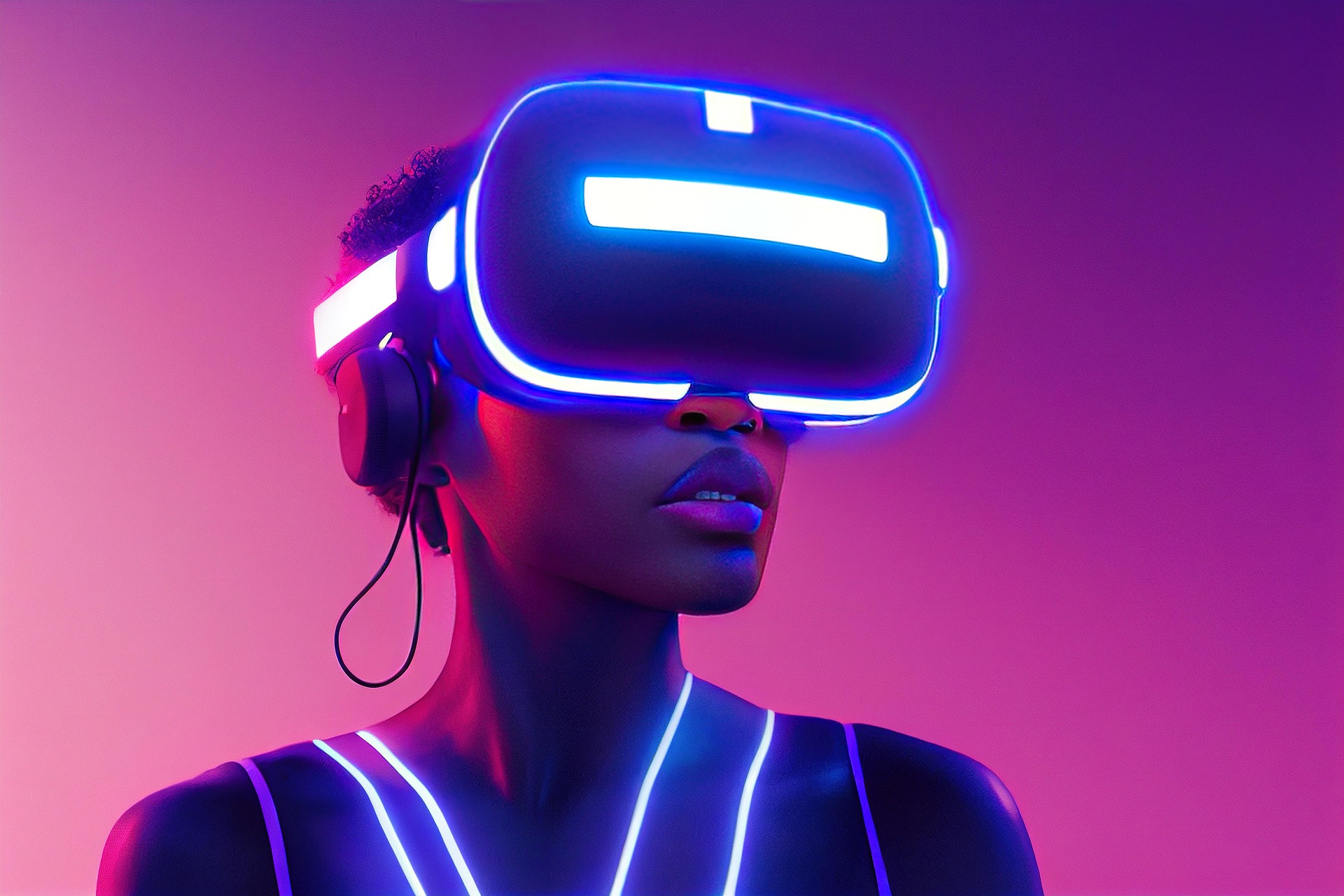
Organizing your play area and checking device power levels before putting on your visor ensures a smooth, uninterrupted session. Here are the setup steps from our virtual reality guide:
Clear a minimum 6.5×6.5 ft open floor area free of coffee tables, pets, or trailing cords. Attach an external neck-worn power bank to extend play time, wipe down the facial interface using non-alcoholic cleaning wipes, mount optical room sensors if using external tracking, put on your VR headset, connect your 3D headphones, grasp your motion controllers, and map your digital guardian boundary.
Safety Guidelines and Risk Management
Virtual reality active play temporarily blocks your real-world surroundings. Following the safety rules detailed in this virtual reality guide keeps your physical environment safe while preventing disorientation.
Essential Safety Rules for VR Environments
To maintain physical safety and device hygiene during room-scale play, keep these core rules in mind:
- Clear Physical Play Space: Remove furniture, area rugs, wall art, and low-hanging light fixtures before strapping into your VR headset.
- Set digital Guardian Boundaries: Define generous safety buffer zones around walls and glass doors during guardian setup.
- Secure Controller Lanyards: Always tighten wrist straps on your motion controllers to prevent accidental slips or wall impacts during fast gestures.
- Take Scheduled Breaks: Pause your session every 20 to 30 minutes to rest your eyes, rehydrate, and avoid simulation fatigue.
- Sanitize Facial Cushions Regularly: Use gentle, alcohol-free cleaning wipes on foam inserts and plastic handles after sweating during active workouts.
- Start with Stationary Titles: Beginners should start with seated or stationary VR games before advancing to free-locomotion experiences.
Difficulty Level, Play Duration, and Physical Demands
Understanding movement mechanics and comfort ratings outlined in our virtual reality guide helps you choose suitable titles for your hardware setup.
Software Progression and VR Legs Development
VR experiences span from beginner-friendly static theater modes to intense full-room simulations. First-time setup tutorials on standalone headsets guide you through guardian calibration, button mapping, and IPD (interpupillary distance) adjustments.
Building your “VR legs” takes time—starting with comfortable stationary puzzle games before trying smooth-locomotion titles ensures a smooth transition. Pairing immersive headphones with responsive motion controllers speeds up natural spatial learning.
Session Duration and Physical Demands
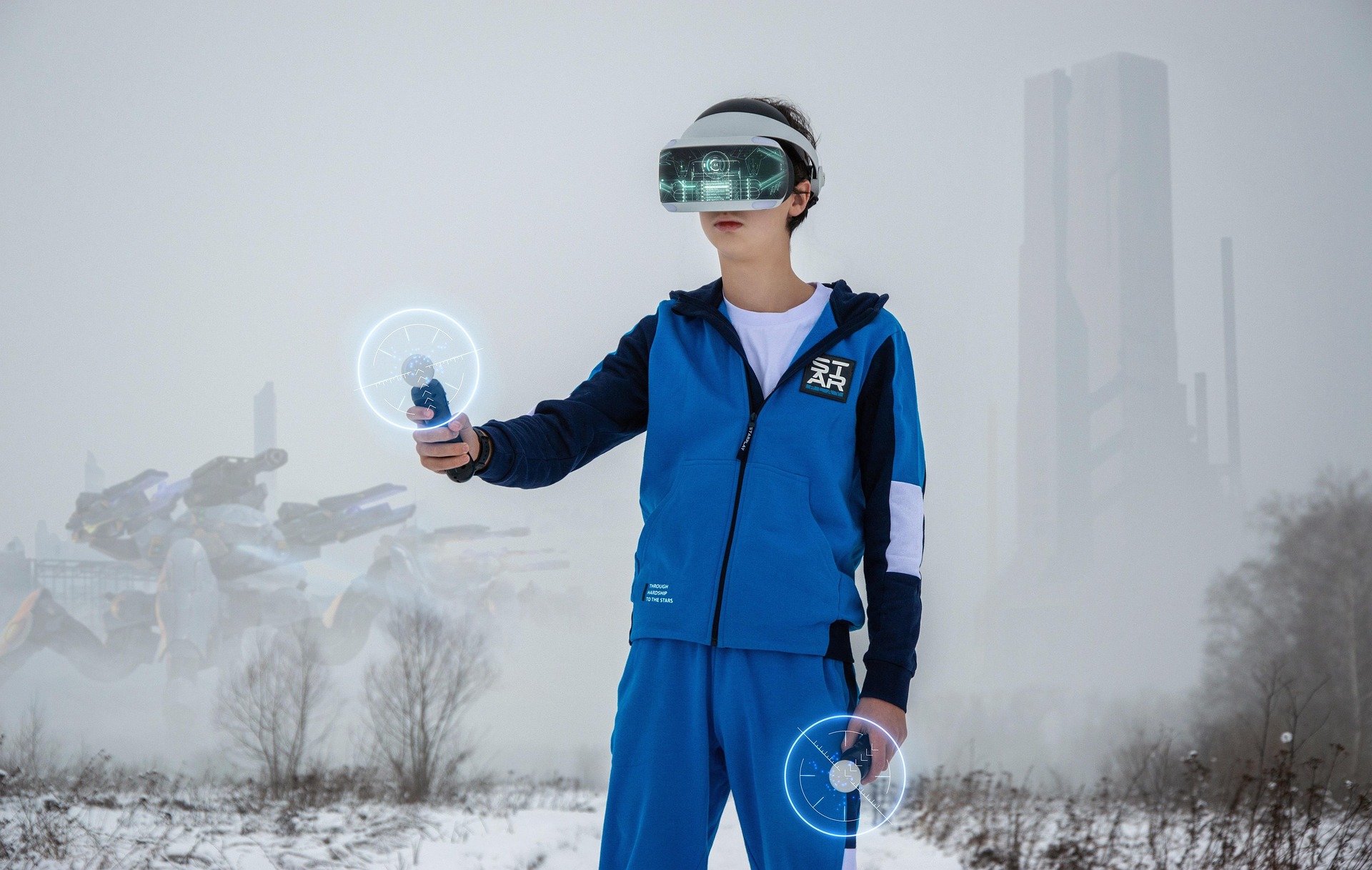
Standard VR sessions run between 30 minutes and 2 hours, limited by battery life or physical fatigue. Plugging into a lightweight external power bank extends sessions for multi-hour multiplayer events.
Physical demands range from relaxed seated gameplay to high-intensity room-scale cardiovascular workouts. Rhythm games, boxing simulations, and athletic titles encourage active movement, ducking, and arm swinging. Wearing athletic clothing, keeping antibacterial cleaning wipes nearby, and adjusting accessibility settings allows players of all mobility levels to enjoy room-scale or seated VR content.
Estimated Cost and Financial Breakdown
As emphasized across our virtual reality guide, overall startup costs depend on whether you opt for standalone mobile hardware or PC-tethered rigs. Here is a typical equipment breakdown:
- Primary VR Hardware: A standalone or PC-tethered VR headset ranges from $300 to $1,000 depending on resolution, display type, and processing capacity.
- Games and Applications: Individual VR games run $10 to $60, with numerous free-to-play social hubs and tech demos available.
- Audio and Controllers: Quality wired or low-latency wireless headphones cost $30 to $150. Standard motion controllers come bundled, while specialized replacements cost $50 to $150 per pair.
- Tracking and Power Accessories: Dedicated optical room sensors cost $50 to $150, an extended battery power bank costs $20 to $60, and hygiene-focused cleaning wipes run $5 to $15.
Cultural Significance of Immersive Technology
Virtual reality marks a significant shift in human-computer interaction, moving beyond flat screen displays to spatial 3D computing. What originated as a sci-fi concept has grown into an accessible consumer technology changing gaming, medical training, remote collaboration, and digital art.
Immersive environments allow users to tour historic ruins, practice complex surgery, and connect with friends in real-time shared virtual spaces. As display technology and haptics continue to advance, the cultural footprint of virtual reality continues to grow, bridging physical distances and digital experiences.
Prime Locations, VR Arcades, and Best Time To Visit
Finding local commercial VR lounges or setting up a home gaming space creates fantastic entertainment opportunities.
Location Types: VR Arcades vs. Home Setups
While home setups offer convenient access to personal libraries, commercial VR arcades and location-based entertainment centers provide access to high-end hardware, full omnidirectional treadmills, 4D haptic vests, and large warehouse-scale multiplayer arenas across major U.S. cities.
Best Time To Visit Commercial VR Arcades
The best time to visit commercial VR arcades for lower rates and immediate booth access is during weekday afternoons (Tuesday through Thursday). Weekend evenings feature lively tournament play, but booking reservation slots 1 to 2 weeks in advance represents the best time to visit to ensure your group gets dedicated arcade bays without long waits.
Whether playing at home or in an arcade, using a comfortable VR headset, expanding your library of VR games, using spatial headphones, holding ergonomic motion controllers, attaching a high-capacity power bank, setting up accurate room sensors, and keeping sanitizing cleaning wipes on your prep list ensures a smooth, immersive experience every time!
Related Activity Guides and Tech Hubs
Looking for more immersive entertainment guides, smart home tutorials, or gaming hardware breakdowns? Explore our curated tech directories across Kenyago to plan your next high-tech setup!










 Welcome,
